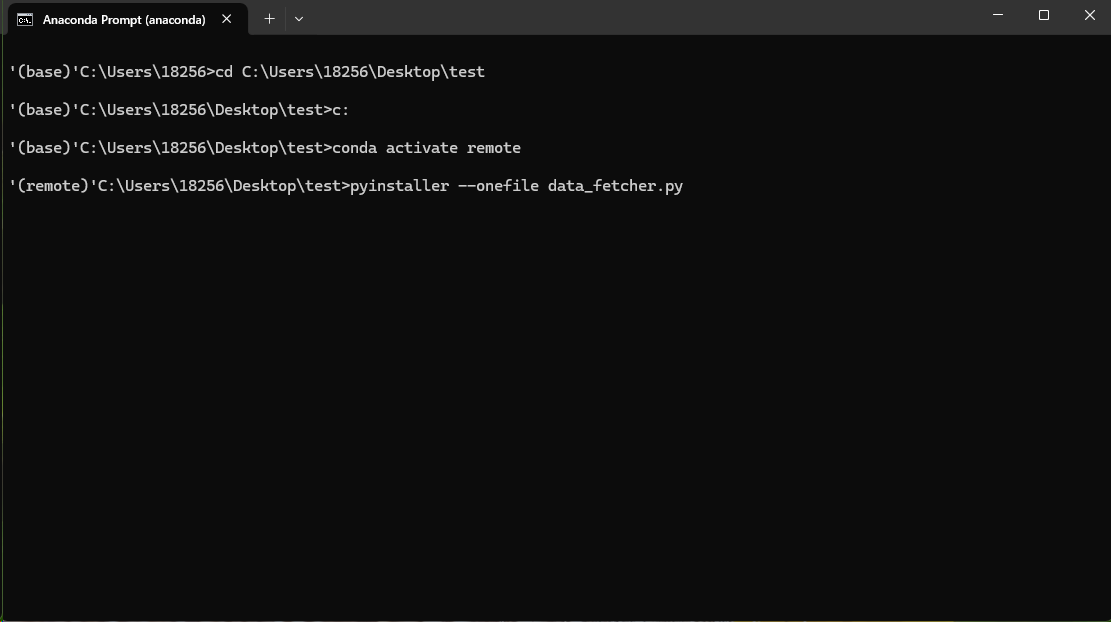
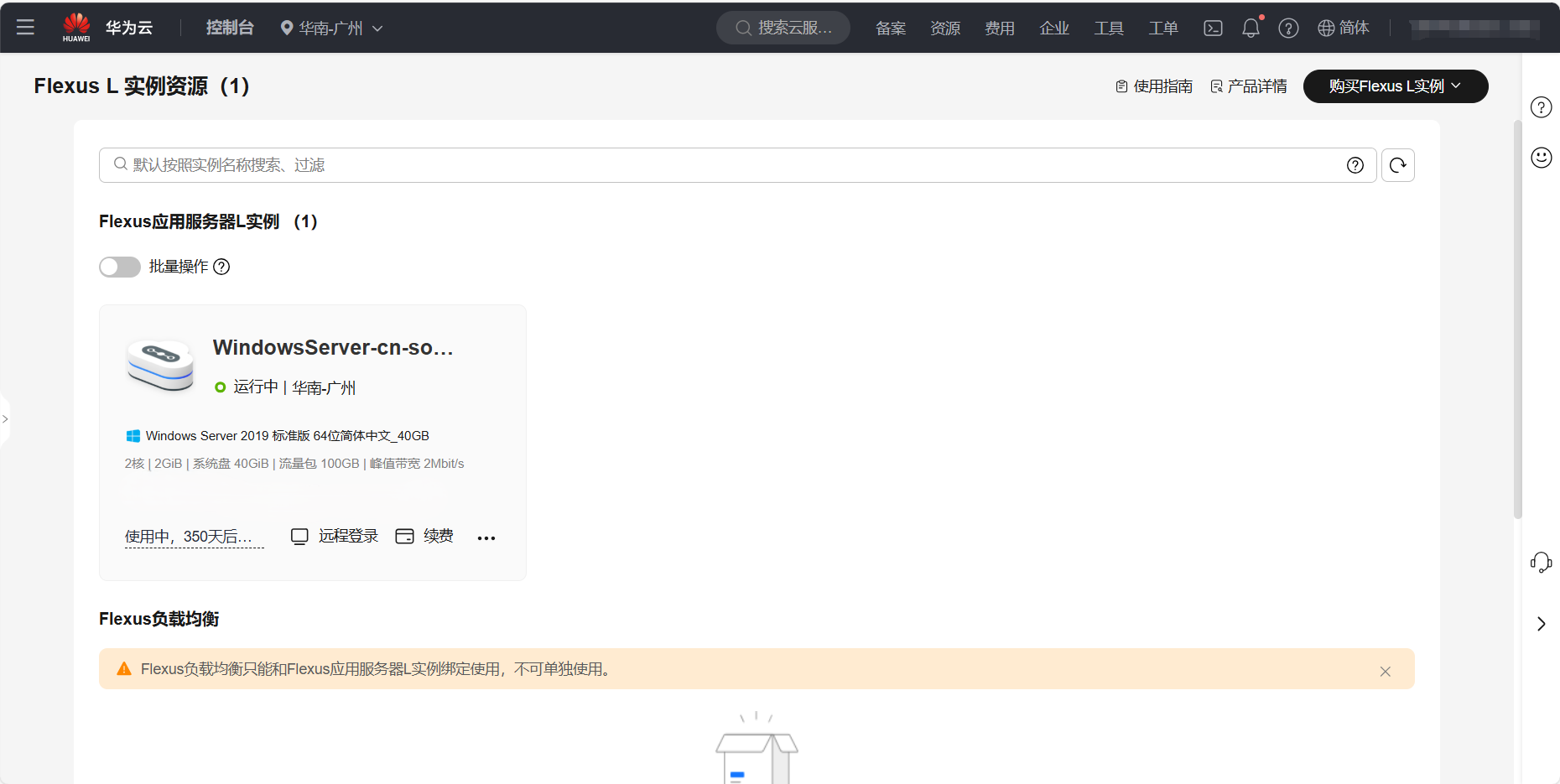
1
2
3
4
5
6
7
8
9
10
11
12
13
14
15
16
17
18
19
20
21
22
23
24
25
26
27
28
29
30
31
32
33
34
35
36
37
38
39
40
41
42
43
44
45
46
47
48
49
50
51
52
53
54
55
56
57
58
59
60
61
62
63
64
65
66
67
68
69
70
71
72
73
74
75
76
77
78
79
80
81
82
83
84
85
86
87
88
89
90
91
92
93
94
95
96
97
98
99
100
101
102
103
104
105
106
107
108
109
110
111
112
113
114
115
116
117
118
| import requests
import os
import time
import csv
import re
from datetime import datetime, timedelta
def fetch_national_surface_water_quality_daily():
url = '目标网址'
headers = {
'Accept': 'application/json, text/javascript, */*; q=0.01',
'Accept-Language': 'zh-CN,zh;q=0.9',
'Connection': 'keep-alive',
'Content-Type': 'application/x-www-form-urlencoded; charset=UTF-8',
'DNT': '1',
'Origin': '目标网址',
'Referer': '目标网址',
'User-Agent': 'Mozilla/5.0 (Windows NT 10.0; Win64; x64) AppleWebKit/537.36 (KHTML, like Gecko) Chrome/106.0.0.0 Safari/537.36',
'X-Requested-With': 'XMLHttpRequest',
}
data = {
'AreaID': '',
'RiverID': '',
'MNName': '',
'PageIndex': '1',
'PageSize': '10000',
'action': 'getRealDatas',
}
print("🔄 正在请求数据...")
response = requests.post(url, headers=headers, data=data, timeout=30)
response.raise_for_status()
data_json = response.json()
if 'thead' not in data_json or 'tbody' not in data_json:
raise ValueError("返回数据结构异常,缺少thead或tbody")
save_dirs = ['./数据/全国', './数据/其它']
for d in save_dirs:
os.makedirs(d, exist_ok=True)
thead = [re.sub('<.*?>', '', col) for col in data_json['thead']]
rows = []
for row in data_json['tbody']:
cleaned_row = [re.sub('<.*?>', '', str(col)) for col in row]
rows.append(cleaned_row)
timestamp = time.strftime("%Y-%m-%d %H-%M", time.localtime())
csv_path_all = os.path.join(save_dirs[0], f"{timestamp}.csv")
with open(csv_path_all, 'w', newline='', encoding='utf-8-sig') as f:
writer = csv.writer(f)
writer.writerow(thead)
writer.writerows(rows)
csv_path_zhj = os.path.join(save_dirs[1], f"{timestamp}.csv")
with open(csv_path_zhj, 'w', newline='', encoding='utf-8-sig') as f:
writer = csv.writer(f)
writer.writerow(thead)
for row in rows:
if len(row) > 1 and row[1] == '其它':
writer.writerow(row)
print("✅ 数据已成功保存!")
print("📁 全国数据:", csv_path_all)
print("📁 其它数据:", csv_path_zhj)
def run_on_fixed_schedule():
schedule_hours = [1, 5, 9, 13, 17, 21]
while True:
now = datetime.now()
next_run = None
for hour in schedule_hours:
scheduled_time = now.replace(hour=hour, minute=0, second=0, microsecond=0)
if scheduled_time > now:
next_run = scheduled_time
break
if not next_run:
next_run = now.replace(day=now.day, hour=schedule_hours[0], minute=0, second=0, microsecond=0) + timedelta(days=1)
wait_seconds = (next_run - now).total_seconds()
print(f"\n🕒 当前时间:{now.strftime('%Y-%m-%d %H:%M:%S')}")
print(f"⏳ 等待至:{next_run.strftime('%Y-%m-%d %H:%M:%S')},剩余 {int(wait_seconds)} 秒...\n")
time.sleep(wait_seconds)
max_retries = 1000
success = False
for attempt in range(1, max_retries + 1):
print(f"🔁 第 {attempt} 次尝试抓取数据...")
try:
fetch_national_surface_water_quality_daily()
success = True
break
except Exception as e:
print(f"⚠️ 第 {attempt} 次抓取失败:{e}")
time.sleep(10)
if not success:
print("❌ 连续1000次抓取失败,跳过此次。")
if __name__ == "__main__":
run_on_fixed_schedule()
|